Most delays in a website project are not technical. They happen because the goal was unclear, the content was not ready, or nobody was sure who could approve a decision. A little preparation before the first call prevents most of that.
This checklist covers what to decide, what to gather and what to expect. You do not need perfect answers. Rough ones are enough to let a developer give you an accurate plan and price, and to keep the project moving once it starts.
Six things to settle first
- 1The goal
What should the website do for the business?
- 2The audience
Who are you trying to reach and what do they need?
- 3The pages
A simple list of what the site must include.
- 4The content
Text, photos, logo and anything else to supply.
- 5Examples
Two or three sites you like, and why.
- 6The decision-maker
One person who can approve work.
1. Know the main goal
Pick one main job for the website: bring in enquiries, take bookings, sell products, or build credibility. Secondary goals are fine, but one clear priority guides every design decision. If selling products is the goal, that points to a store. If it is enquiries, it points to a service site. WordPress or Shopify explains how that choice works.
2. Describe your audience
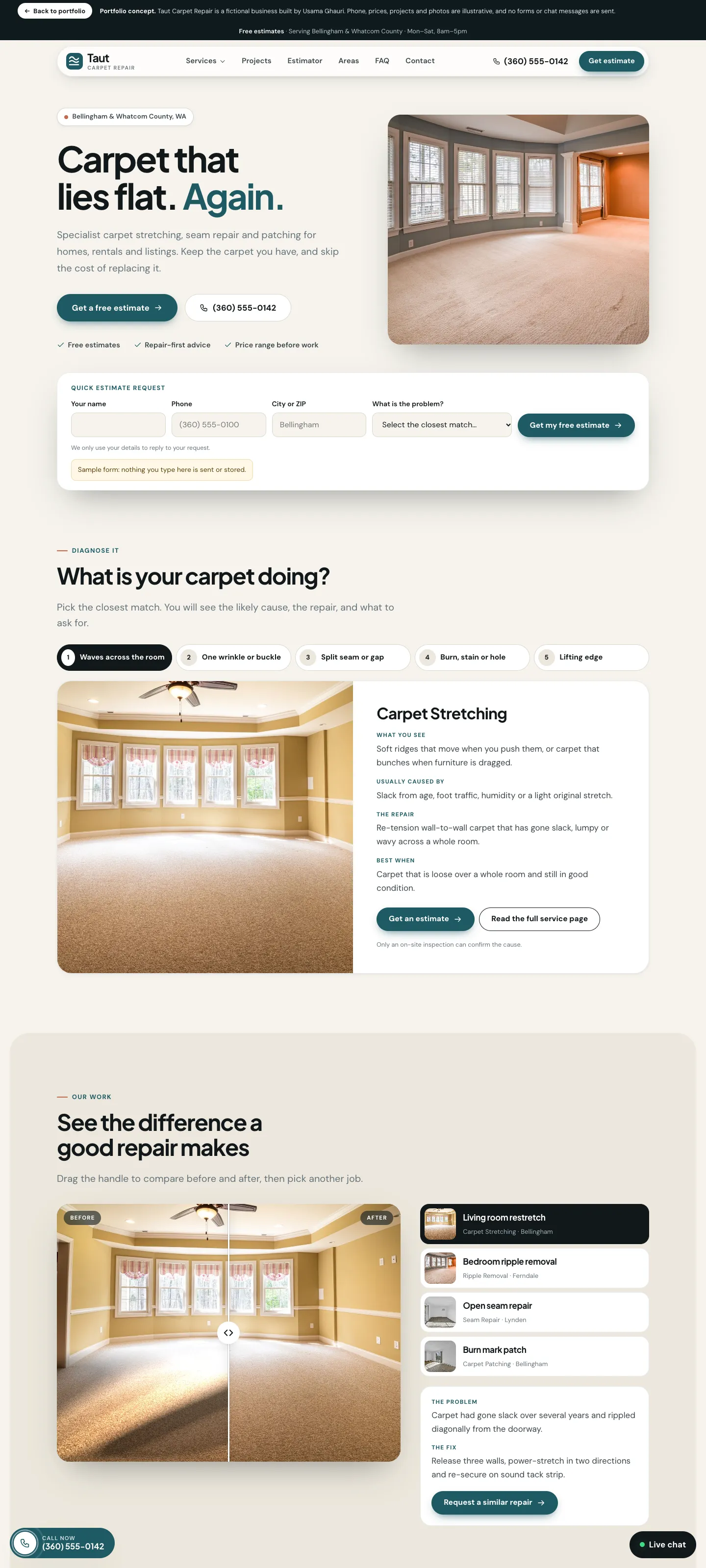
Write a few lines about who your customers are, what they usually ask before buying, and what makes them hesitate. Those answers become your page content and your calls to action. A site for a therapy centre needs a calm, reassuring tone and an easy way to ask about an appointment. A site for an agency needs proof and a clear way to book a call. Neither is wrong, but they are very different projects.
 Calm and reassuring: therapy centre
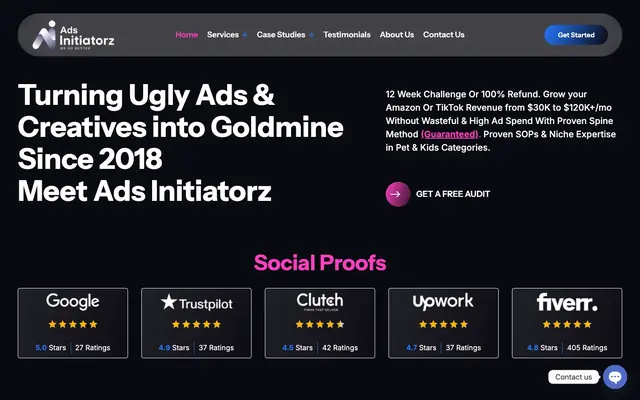 Bold and confident: advertising agency
3. List the pages you need
A typical business site needs a home page, a page per main service, an about page, a contact page, and legal pages. A store needs product and collection pages. A rough list is enough, and it lets the developer estimate scope accurately. If you are unsure, look at similar businesses and note which pages they have.
- Home page: who you are and the main next step.
- A page for each main service or product group.
- About page: the people and story behind the business.
- Contact page with the ways people can reach you.
- Legal pages such as privacy policy and terms.
- Optional: articles, case studies, FAQs and testimonials.
4. Gather your content
Content is the most common cause of delay. Collect your logo, brand colours, service descriptions, photos and any testimonials you have permission to use. If you do not have good photos, say so early, because it changes the plan. Do not invent figures or claims to fill space. Honest content builds more trust than impressive numbers that cannot be checked.
Content to collect before the build
- 1Logo and colours
Vector files if you have them.
- 2Service descriptions
A short paragraph for each service.
- 3Photos
Real ones of your team, premises or products.
- 4Testimonials
Only ones you have permission to publish.
- 5Contact details
Phone, email, address and opening hours.
- 6Legal details
Business name and policies you already use.
5. Collect examples
Bring two or three websites you like and say what you like about each: the layout, the tone, how simple it feels. Examples are easier to discuss than adjectives. Browsing real projects on the Work page can also help you find a direction, whether you lean towards a calm service site or a bold, animated one.
Just as useful: bring one site you dislike and explain why. Knowing what to avoid saves rounds of revisions.
6. Decide who approves
Projects slow down when feedback comes from five people who disagree. Choose one person to give final approval, and gather any internal comments before passing them on. It is fine to collect opinions from the team. It is not fine for the developer to receive them all separately, because they often contradict each other.
Think about the phone from day one
Most of your visitors will use a phone, so the mobile layout is not an afterthought. When you review designs, look at the phone version first. Check that the most important message and the main button are visible without scrolling far.
 Taut Carpet Repair (concept)
 Mustafa Mental Health
 Ads Initiatorz
A sample project brief you can copy
A brief does not need to be long. Half a page that answers the questions below is more useful than a fifty-page document nobody reads. Copy this outline and fill it in.
- About the business: what you do, where, and for whom.
- The goal: the one main job of the website.
- The audience: who they are and what they usually ask.
- Pages and features: the list from step three, plus anything special such as bookings or a shop.
- Content: what you already have and what is missing.
- Examples: sites you like and one you do not.
- Timeline: any date the site must be ready by, and why.
- Budget: a range you are comfortable with.
Timelines and what affects them
How long a project takes depends mostly on scope and on how quickly feedback and content arrive. A simple business site is much quicker than a store with hundreds of products or a site with custom features. The biggest source of delay is waiting for content or approval, which is why the checklist above matters.
Typical stages of a project
- 1Discovery
Goals, audience, pages and examples agreed.
- 2Design
Layouts for the key pages, reviewed and approved.
- 3Build
The site is built and filled with your content.
- 4Testing
Checks on phones, tablets, laptops and forms.
- 5Launch
The site goes live, with a final check.
- 6After launch
Fixes, small changes and improvement over time.
Common mistakes to avoid
- Starting the build before the content exists.
- Having many people give separate, conflicting feedback.
- Adding new features mid-project without agreeing the cost and time.
- Choosing a platform before deciding what the site must do.
- Forgetting to plan who will update the site after launch.
Frequently asked questions
Do I need a finished logo and brand colours?
It helps, but it is not essential. If you have a logo, bring it. If not, say so early, so the plan can include it or work with simple, clean styling.
What if I do not have any photos?
Tell the developer at the start. Options include arranging a photo session, using clearly licensed stock images for now, and replacing them with real photos later. Real photos of your work or team always build more trust.
Should I write the text myself?
You know your business best, so rough notes from you are the best raw material. A developer or writer can help polish them. Avoid copying text from other sites, which hurts both trust and search.
How much should I budget?
It depends on the scope. Look at the packages to see what each level includes, then talk about your specific needs. A clear brief makes the quote accurate.
What happens after launch?
A website is never really finished. Plan for updates, backups and gradual improvement. Ask what support is included and what is an extra before you begin.
What happens next
Once the basics are clear, the project moves through discovery, design, build, testing and launch. You can see the steps in how a project runs and the process overview. After launch, a clear site is easier to improve, and SEO basics are worth reading while it is being built.
Questions to ask any developer
- Who will I be working with day to day?
- What exactly is included in the price, and what is extra?
- How many rounds of changes are included?
- Who owns the site, the content and the accounts when it is finished?
- What happens after launch if something needs fixing?
Ready to talk?
You do not need everything ready to start a conversation. Tell me about your project and I will help you fill the gaps.